


Team Chat
Configure read receipts, typing visibility, welcome/off-hour messages, and working hours.
Team Chat settings define how customer conversations behave for agents.
In the app: Dashboard → Settings → Team Chat
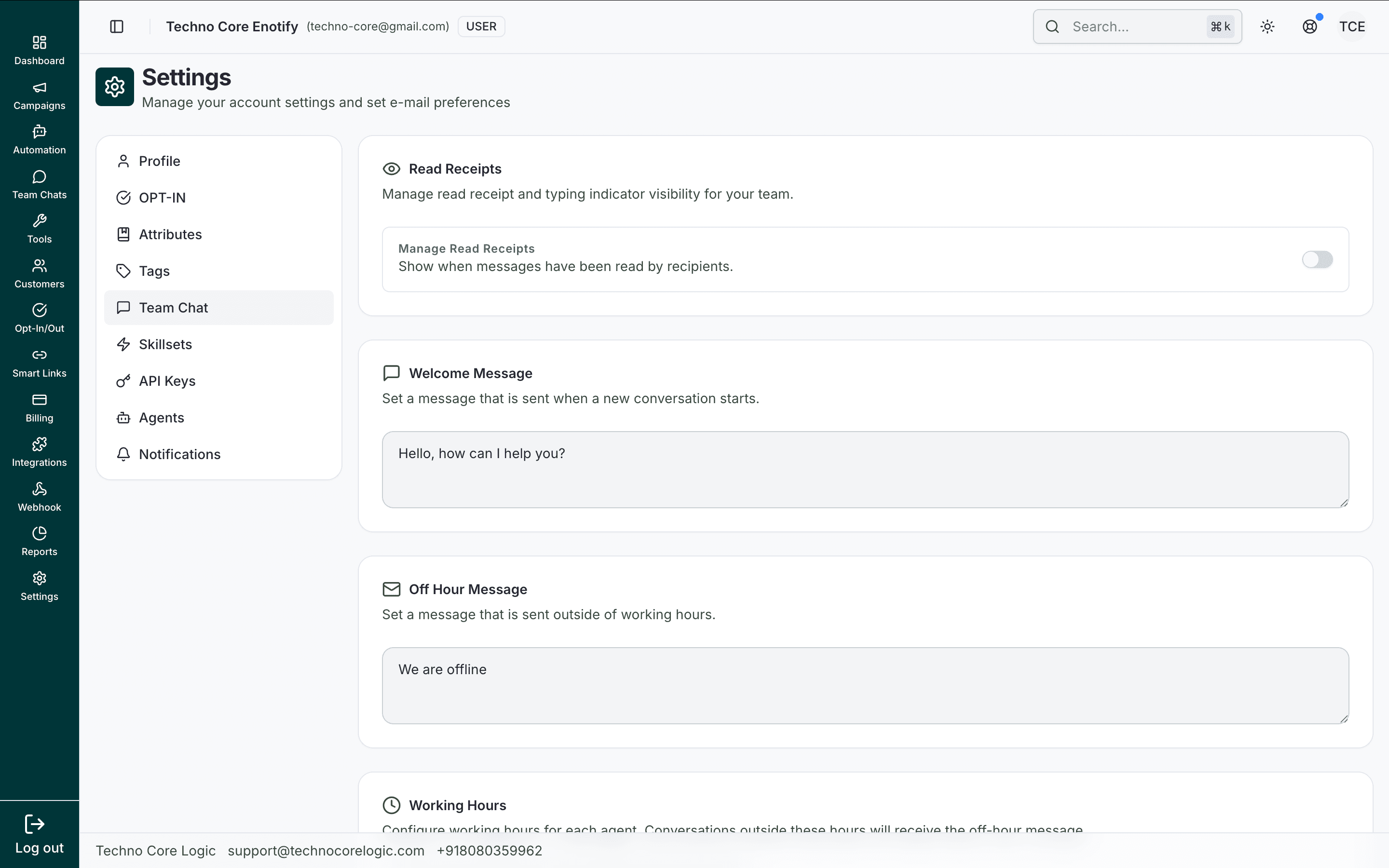
This main view contains all communication behavior controls, including read receipts, auto-messages, and working-hours configuration.
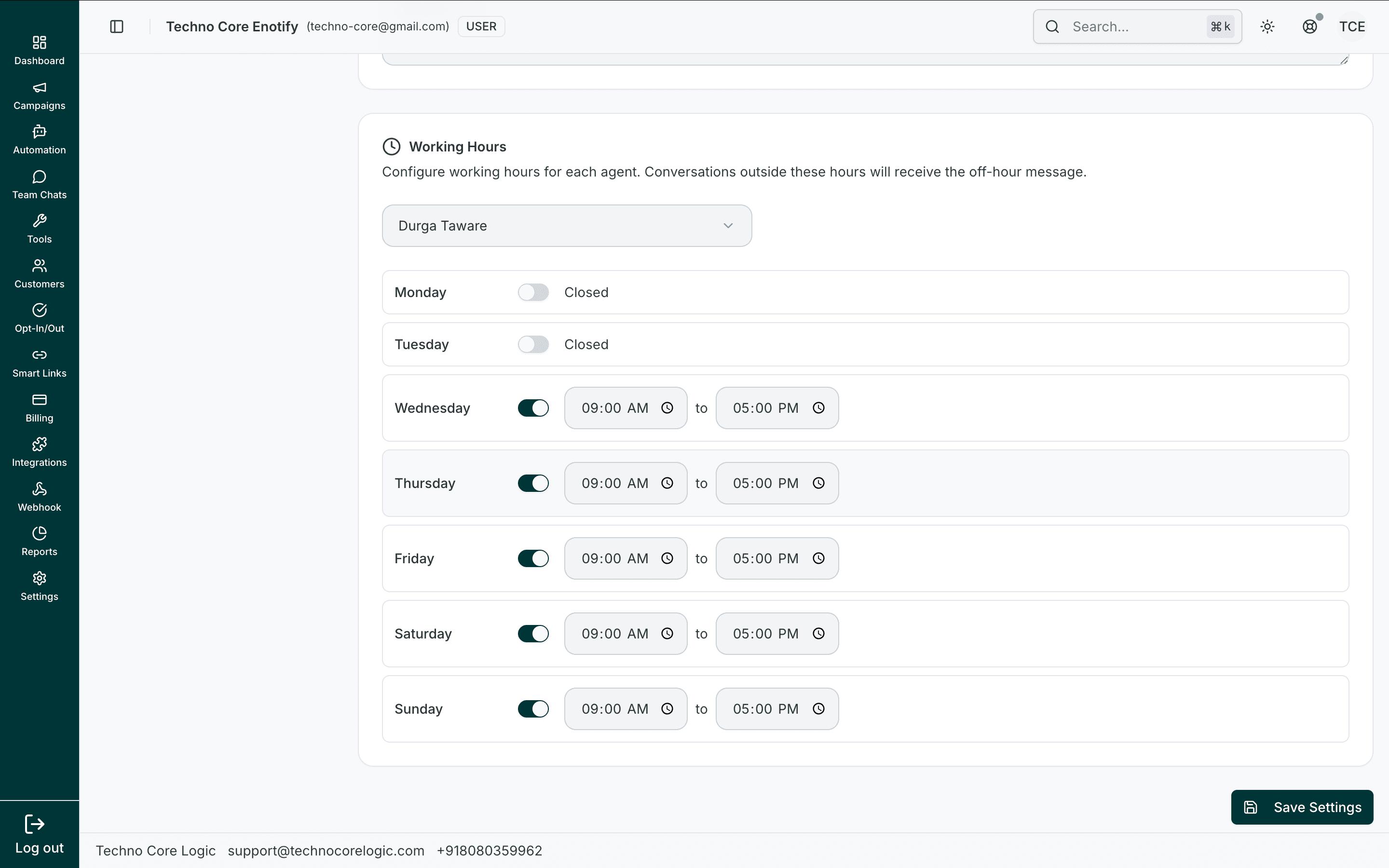
After selecting an agent, you can enable specific weekdays and set start/end windows for each active day.
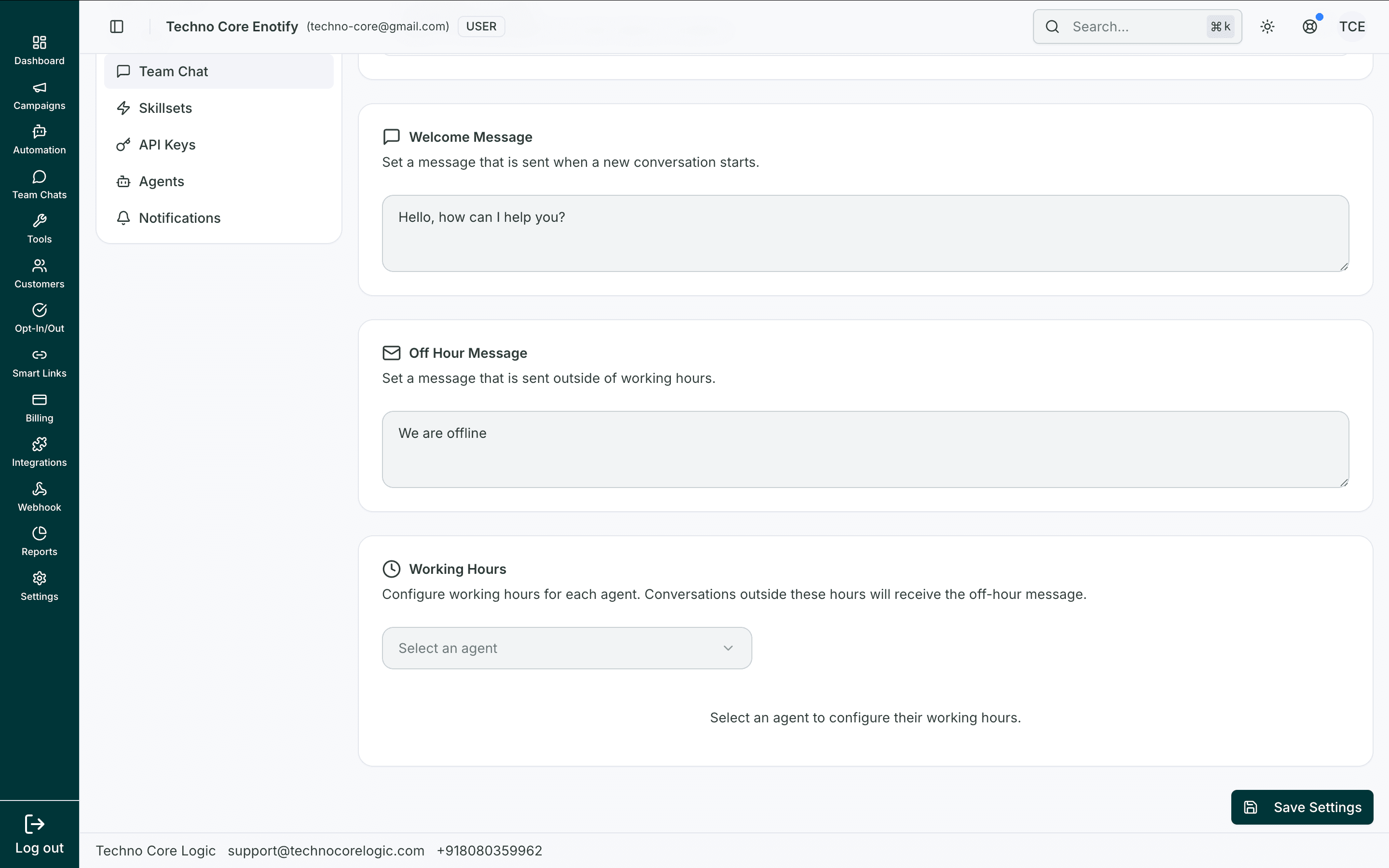
If no agent is selected, the schedule panel remains inactive and prompts you to pick an agent first.
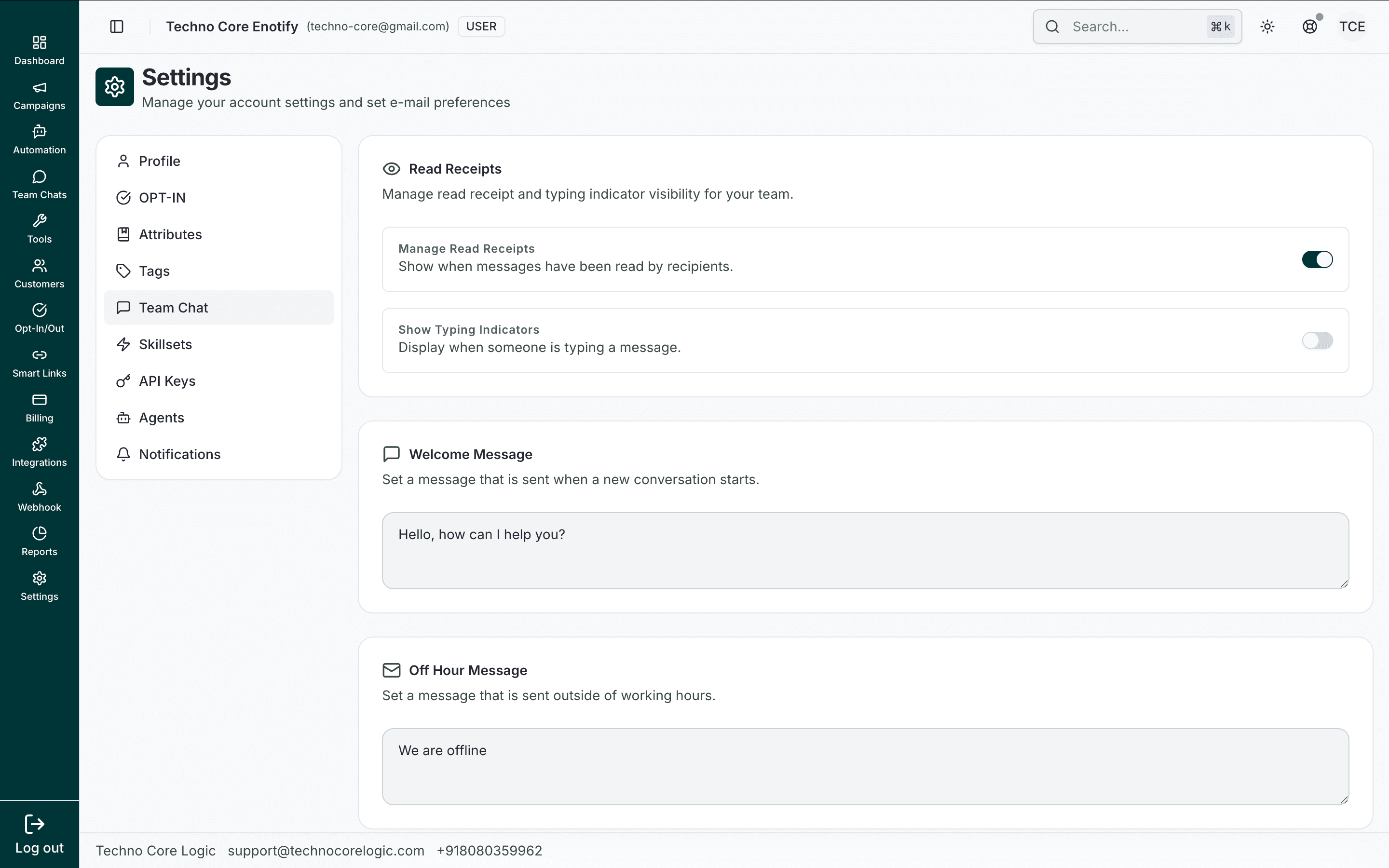
This example shows the same page with read receipts turned off, useful for privacy-focused workflows.
Main controls
| Control | Purpose |
|---|---|
| Manage Read Receipts | Show/hide seen status for recipients |
| Show Typing Indicators | Show/hide typing indicator behavior |
| Welcome Message | Auto-message for new conversation starts |
| Off Hour Message | Auto-message outside working hours |
| Working Hours | Agent-wise day/time availability windows |
Setup flow
- Configure read receipt and typing policies.
- Add welcome and off-hour fallback messages.
- Select an agent and define working hours by day.
- Save settings.
How is this guide?