


Agents
Add and manage agent accounts, status, and lifecycle actions.
Agent settings control who can handle conversations and how each account is maintained.
In the app: Dashboard → Settings → Agents
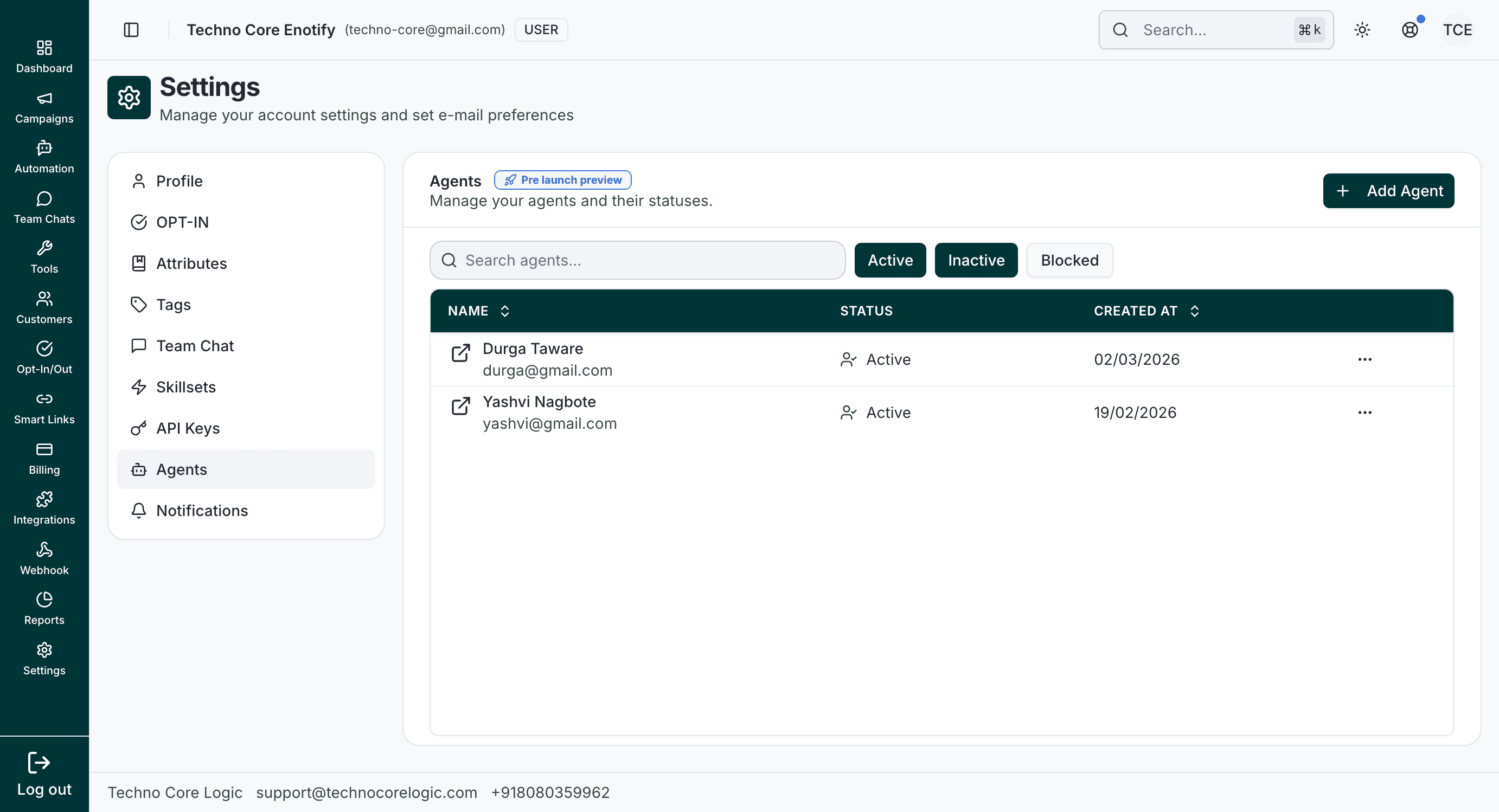
The main agents screen supports status filtering (Active, Inactive, Blocked) and search for quick account lookup.
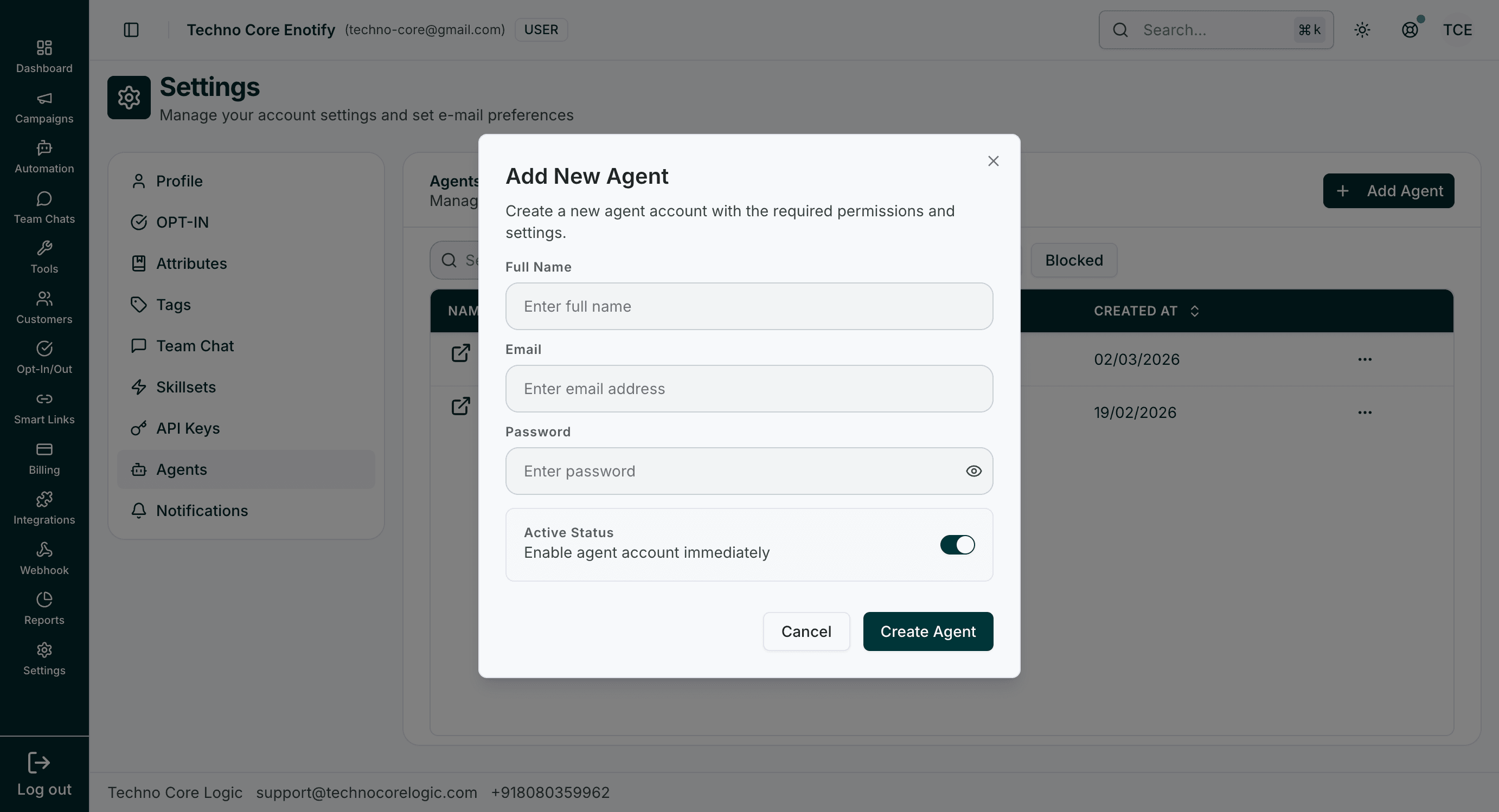
Use Add Agent to create a new agent account with login credentials and initial active state.
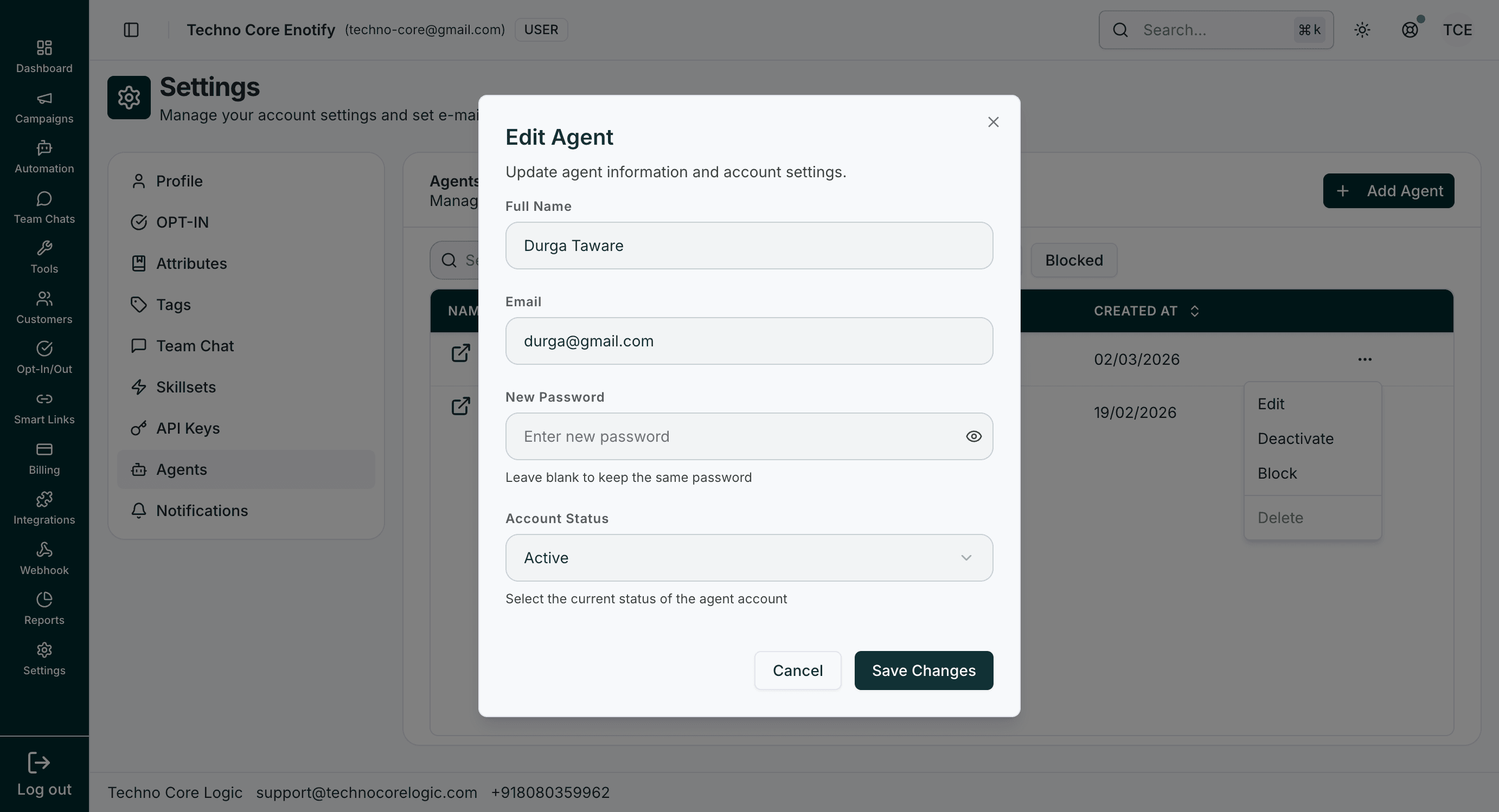
The edit flow updates profile details, password, and account status from a single dialog.
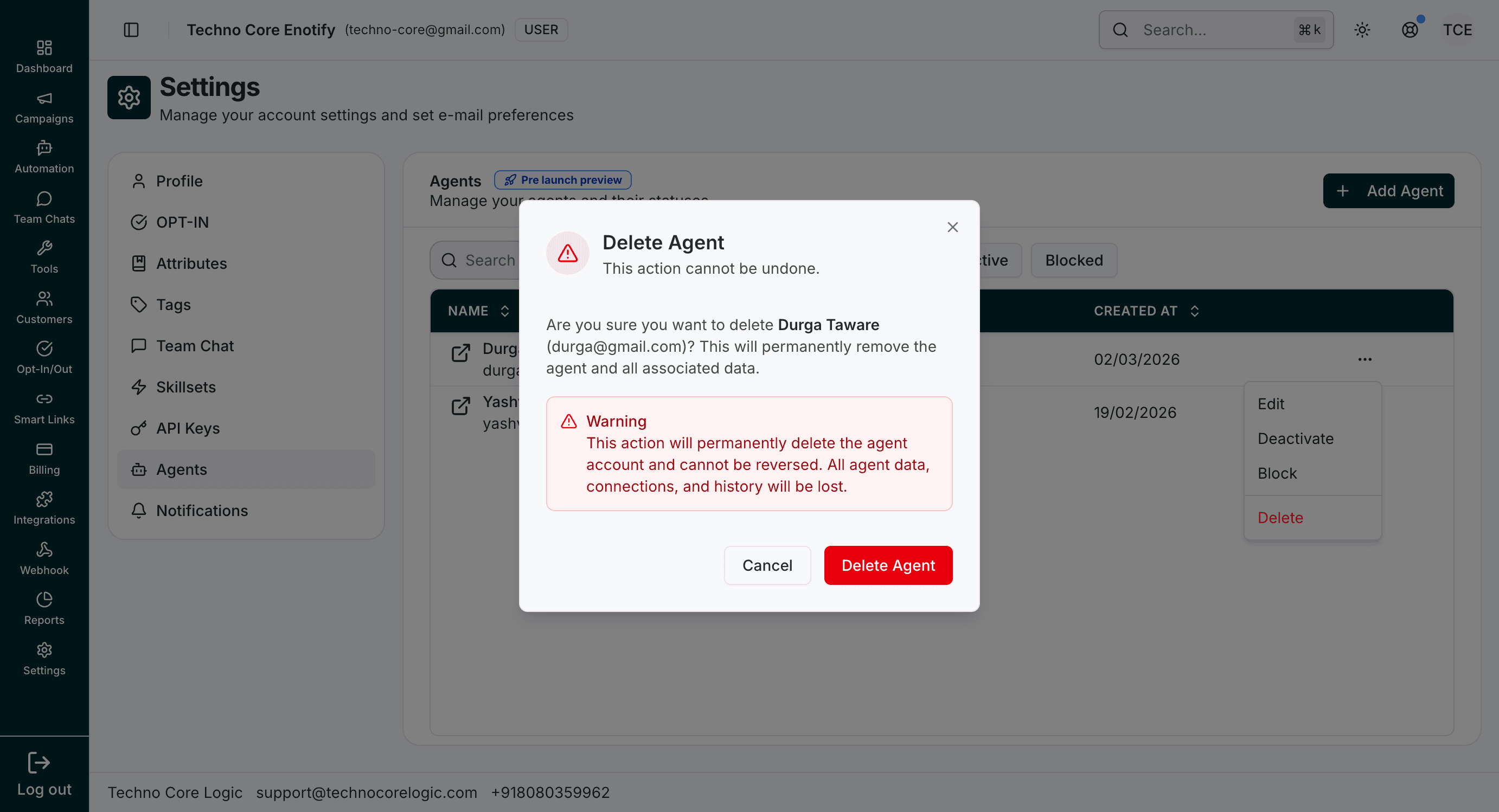
Deleting an agent is irreversible and requires explicit confirmation.
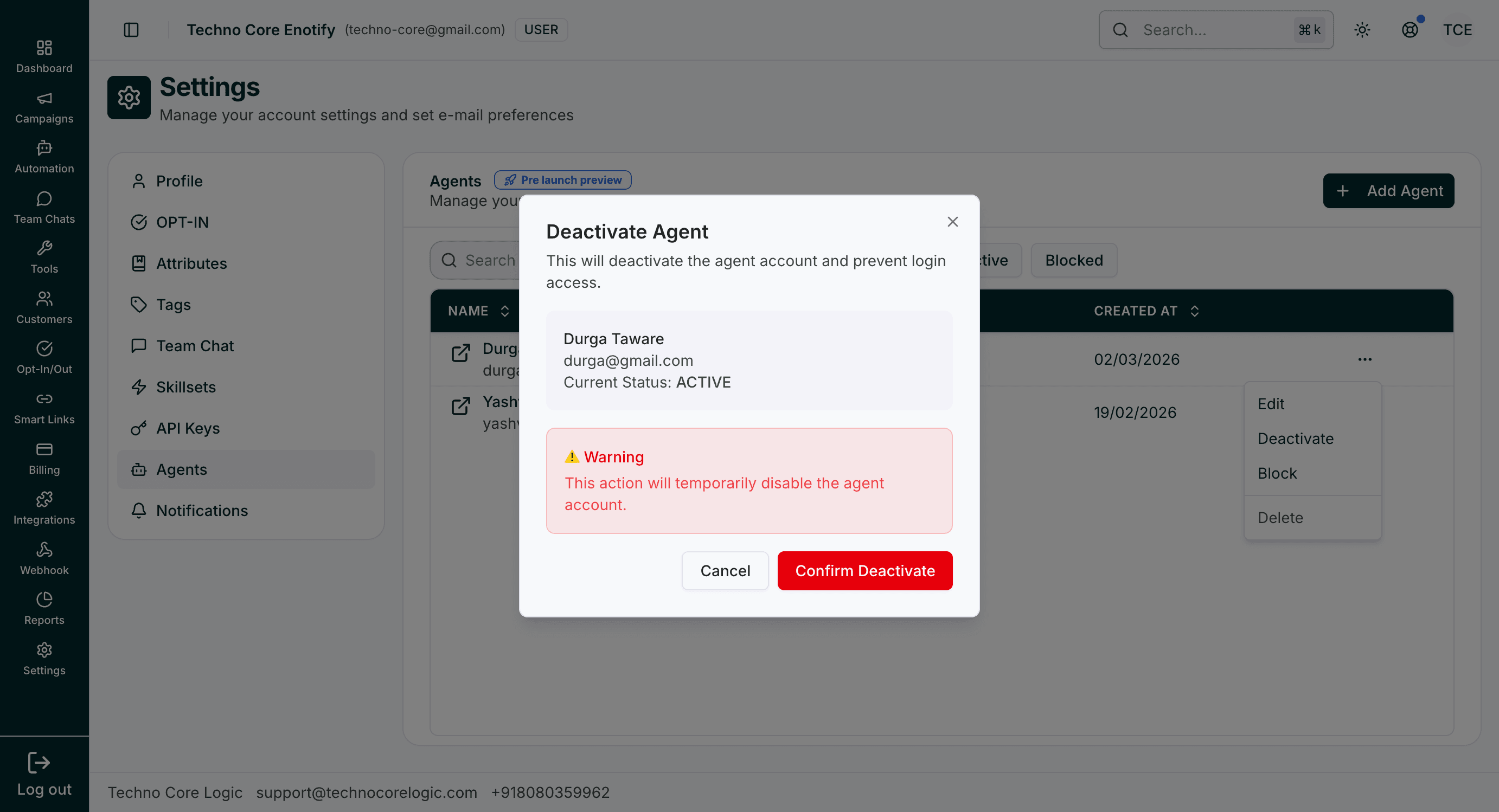
Deactivate temporarily disables login while keeping the record available for reactivation later.
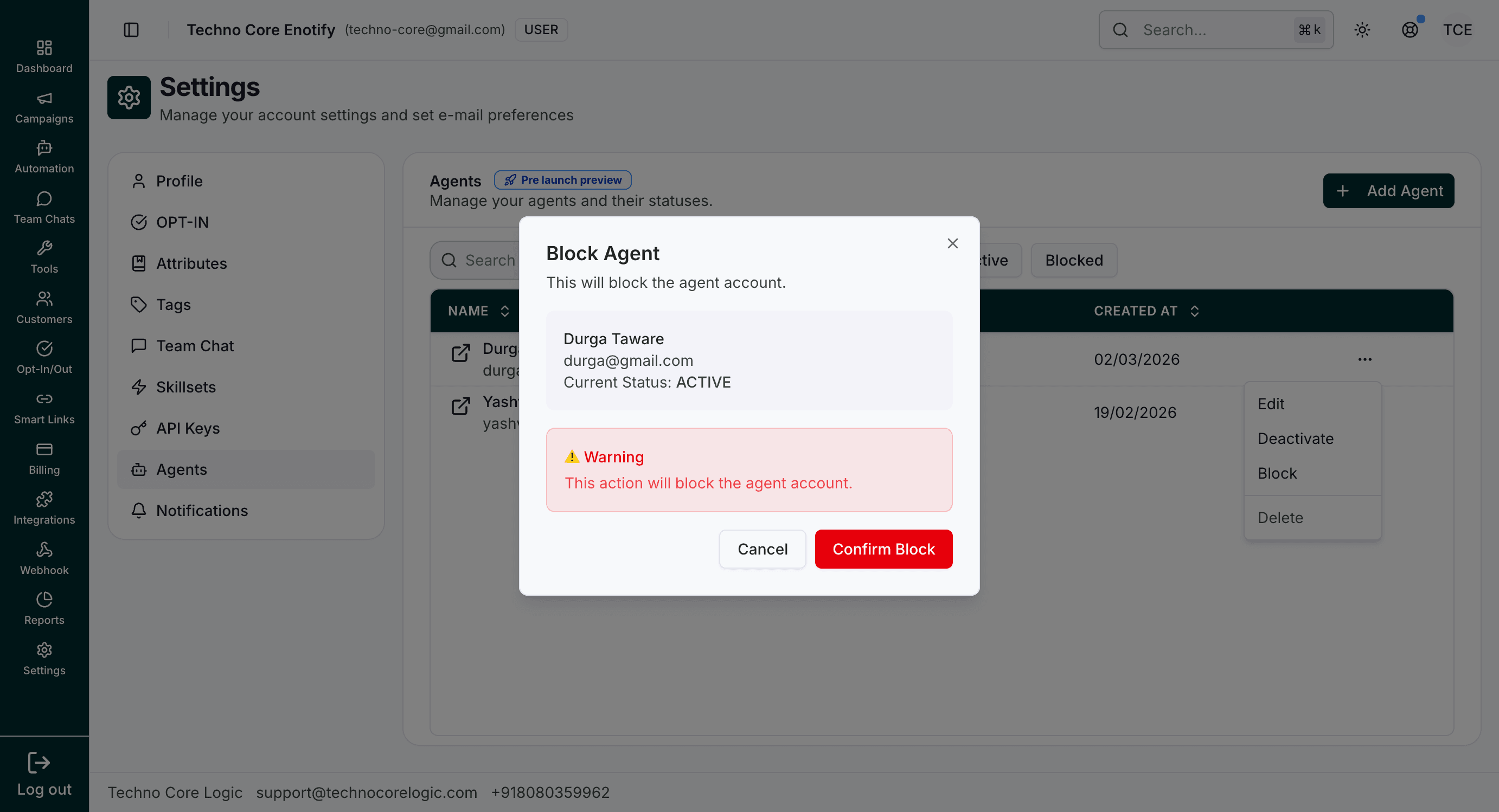
Block applies a stronger access restriction state for the selected agent account.
Available status actions
| Action | Impact |
|---|---|
| Edit | Update profile and account status |
| Deactivate | Temporarily disables account login/access |
| Block | Blocks account usage until unblocked |
| Delete | Permanently removes the agent account |
Filtering
Use top status filters (Active, Inactive, Blocked) and search to quickly locate target agents.
How is this guide?