


API Keys
Create, edit, activate/deactivate, and revoke API keys with optional agent assignment.
API Keys provide secure programmatic access for integrations.
In the app: Dashboard → Settings → API Keys
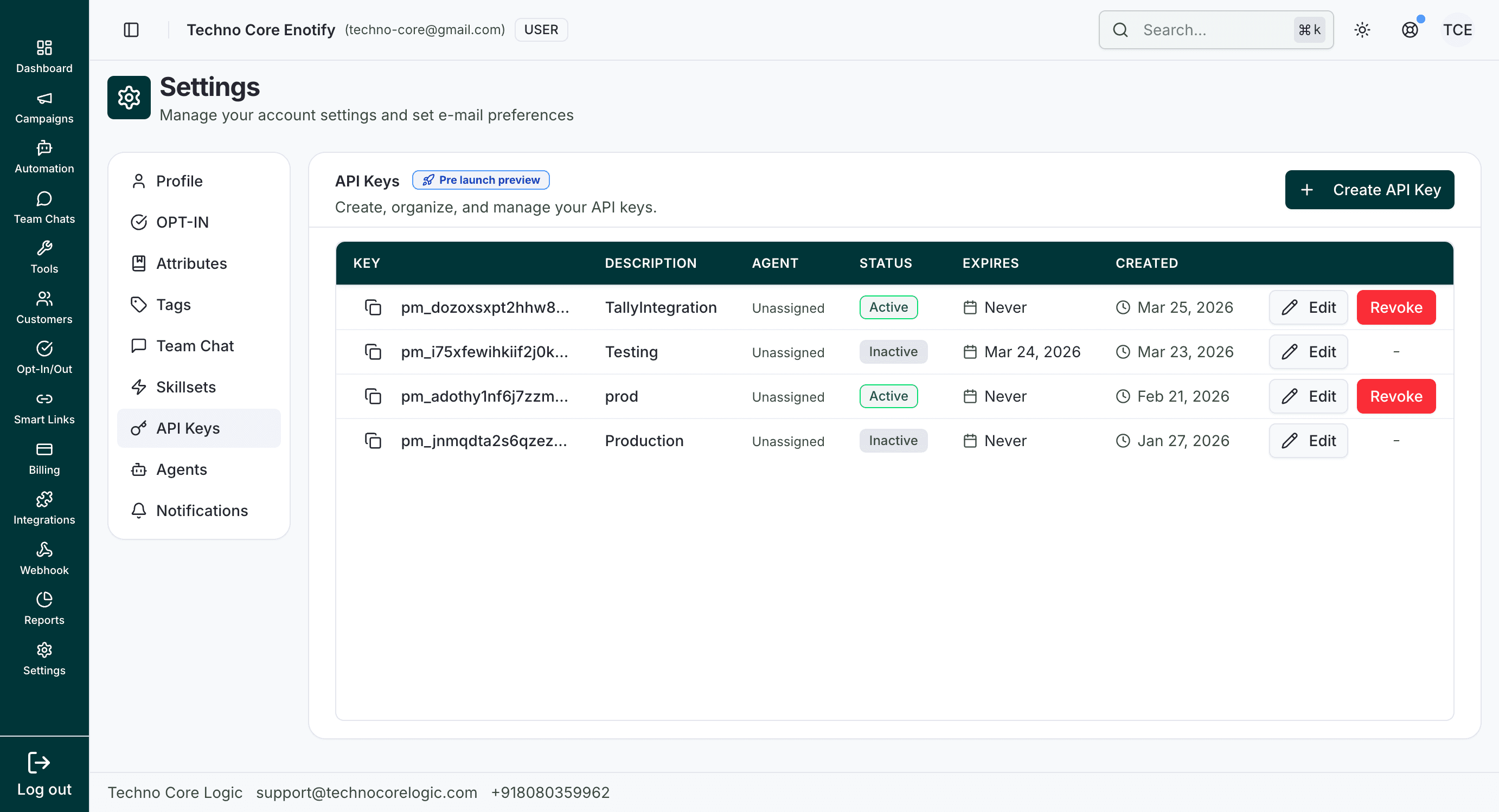
The API Keys table provides lifecycle visibility for each key, including status and expiry, with quick edit/revoke controls.
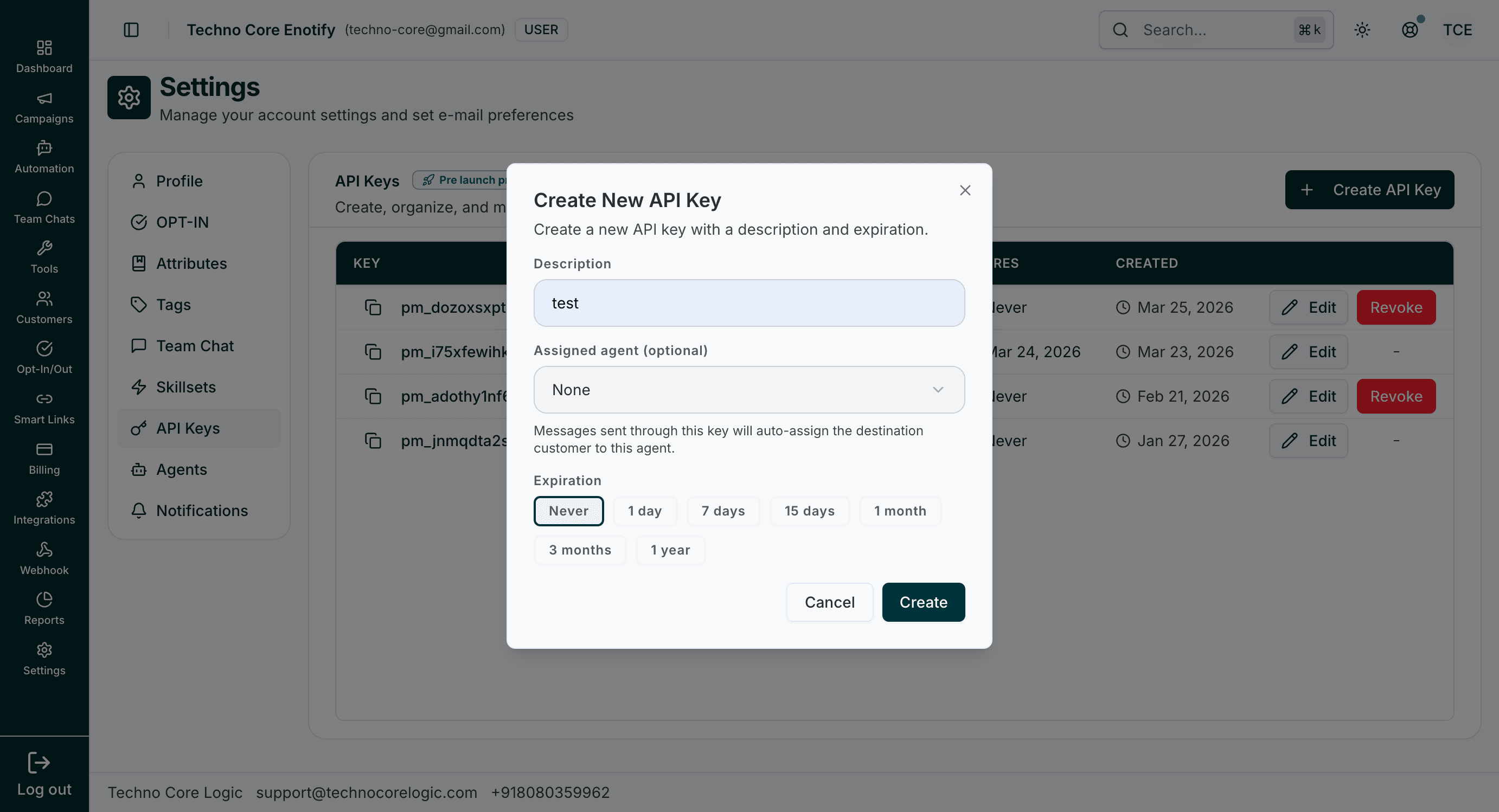
During creation, you can define a description, optional assigned agent behavior, and an expiry period.
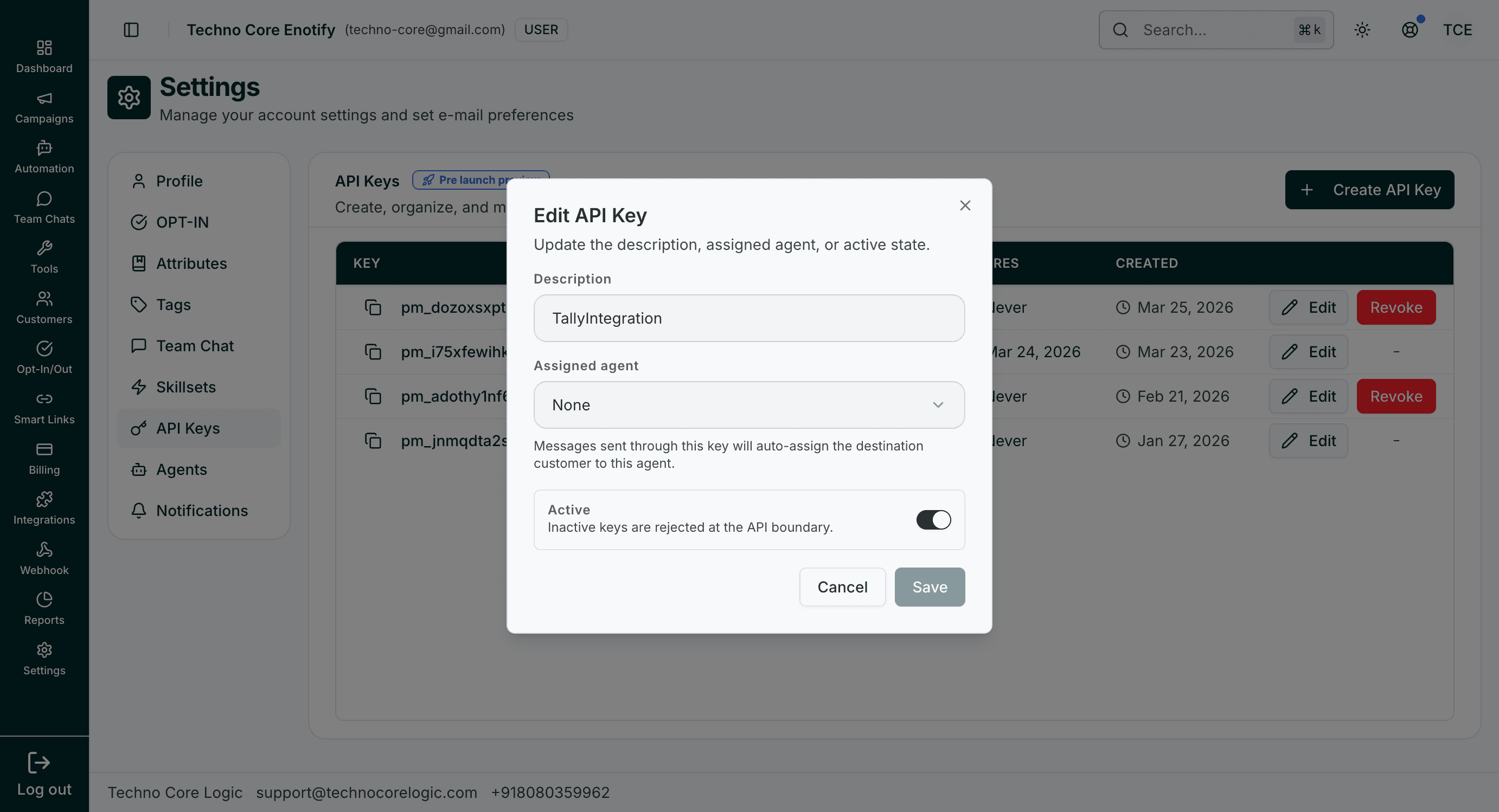
The edit modal allows toggling active state and reassigning key behavior without issuing a new key.
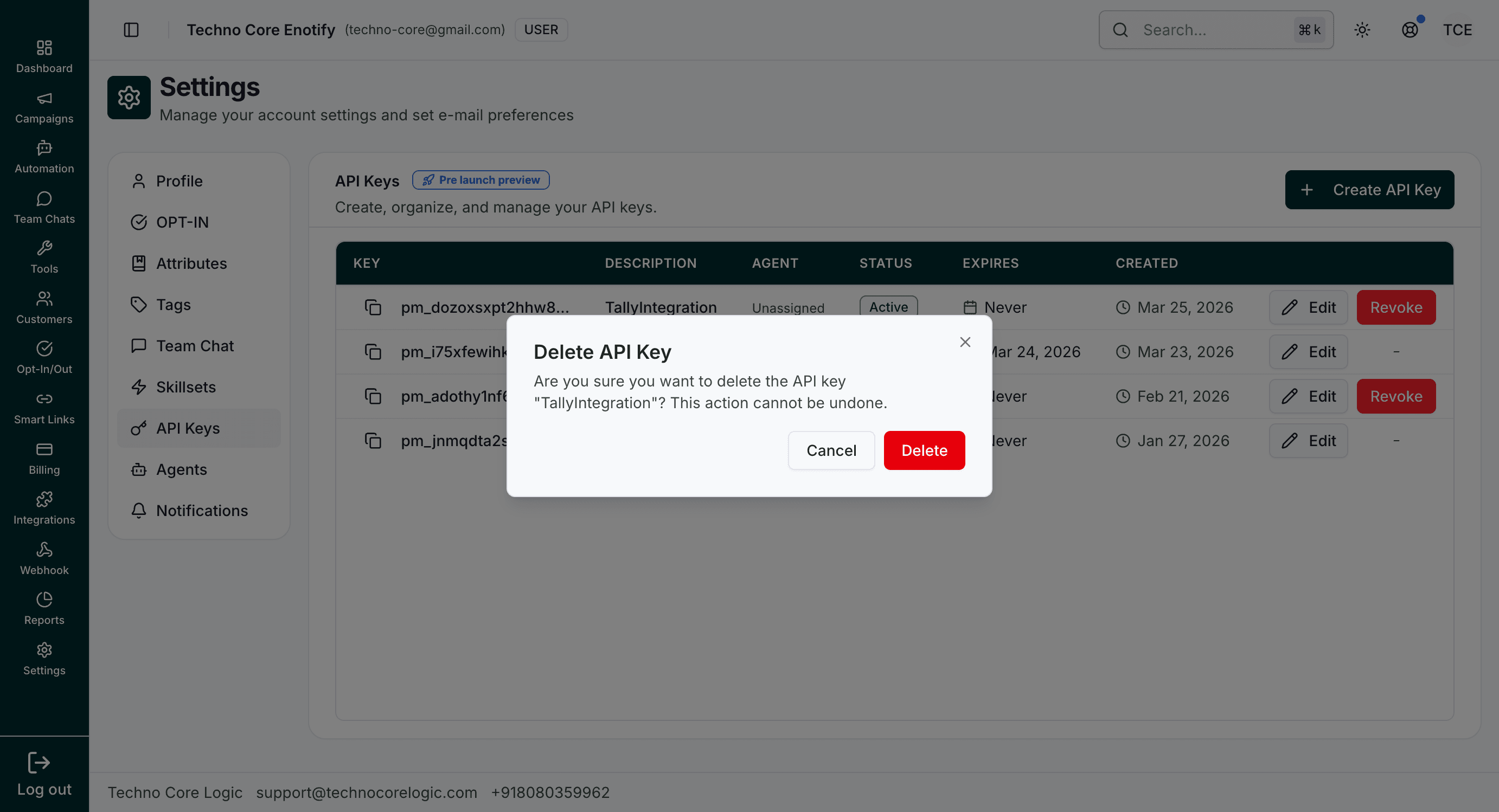
Delete confirmation is shown before permanent key removal.
Key actions
| Action | Details |
|---|---|
| Create API Key | Set description, optional assigned agent, and expiry |
| Edit | Update description, assignment, and active state |
| Revoke/Delete | Permanently disable key usage |
Security
Store keys in secure server-side secrets managers. Never expose API keys in client-side code or public repositories.
How is this guide?