


Attributes
Create and manage customer attributes used in segmentation and personalization.
Attributes are structured fields stored on customer records.
In the app: Dashboard → Settings → Attributes
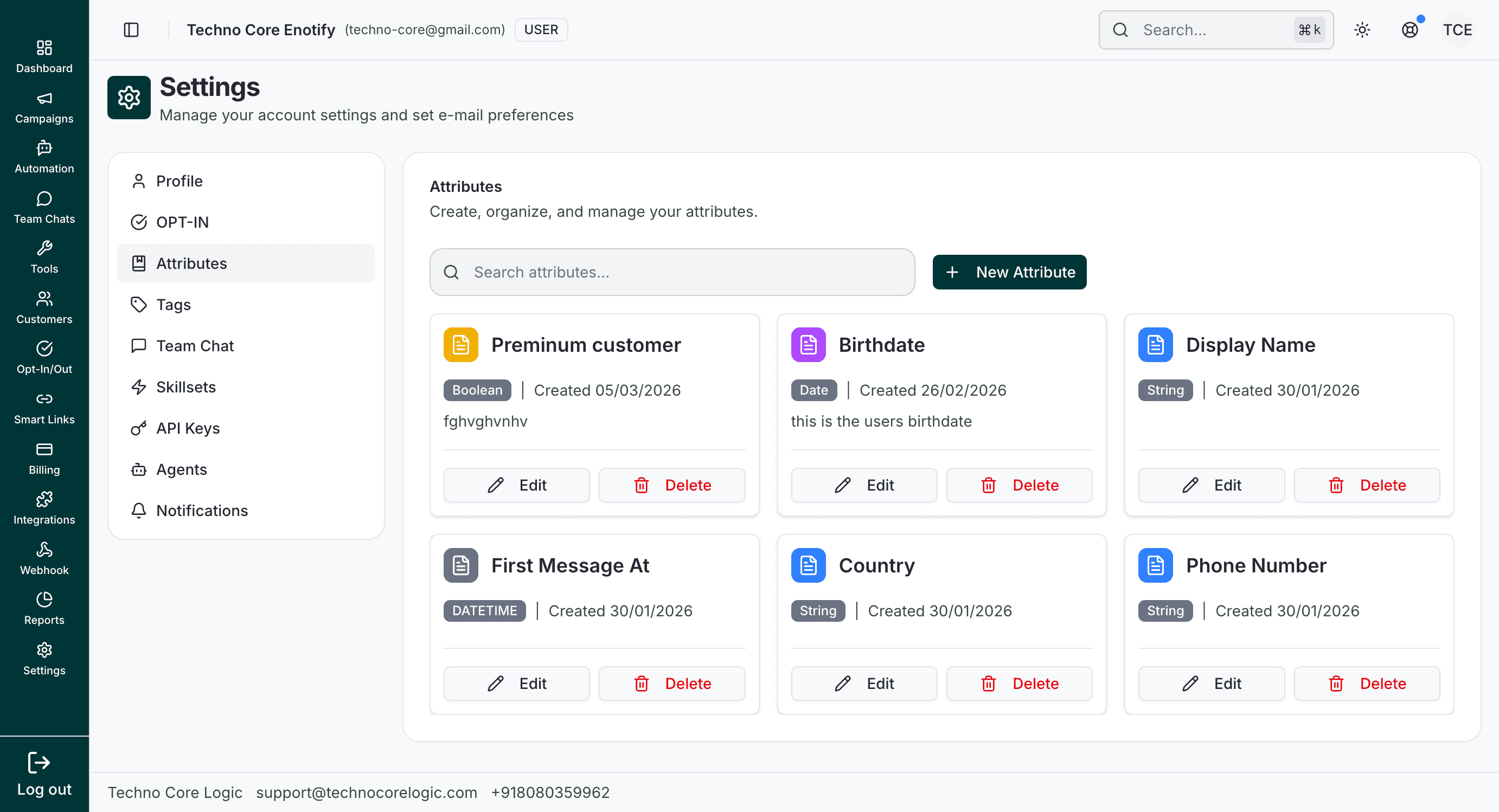
This page shows all existing attributes with quick search and card-level actions for edit/delete.
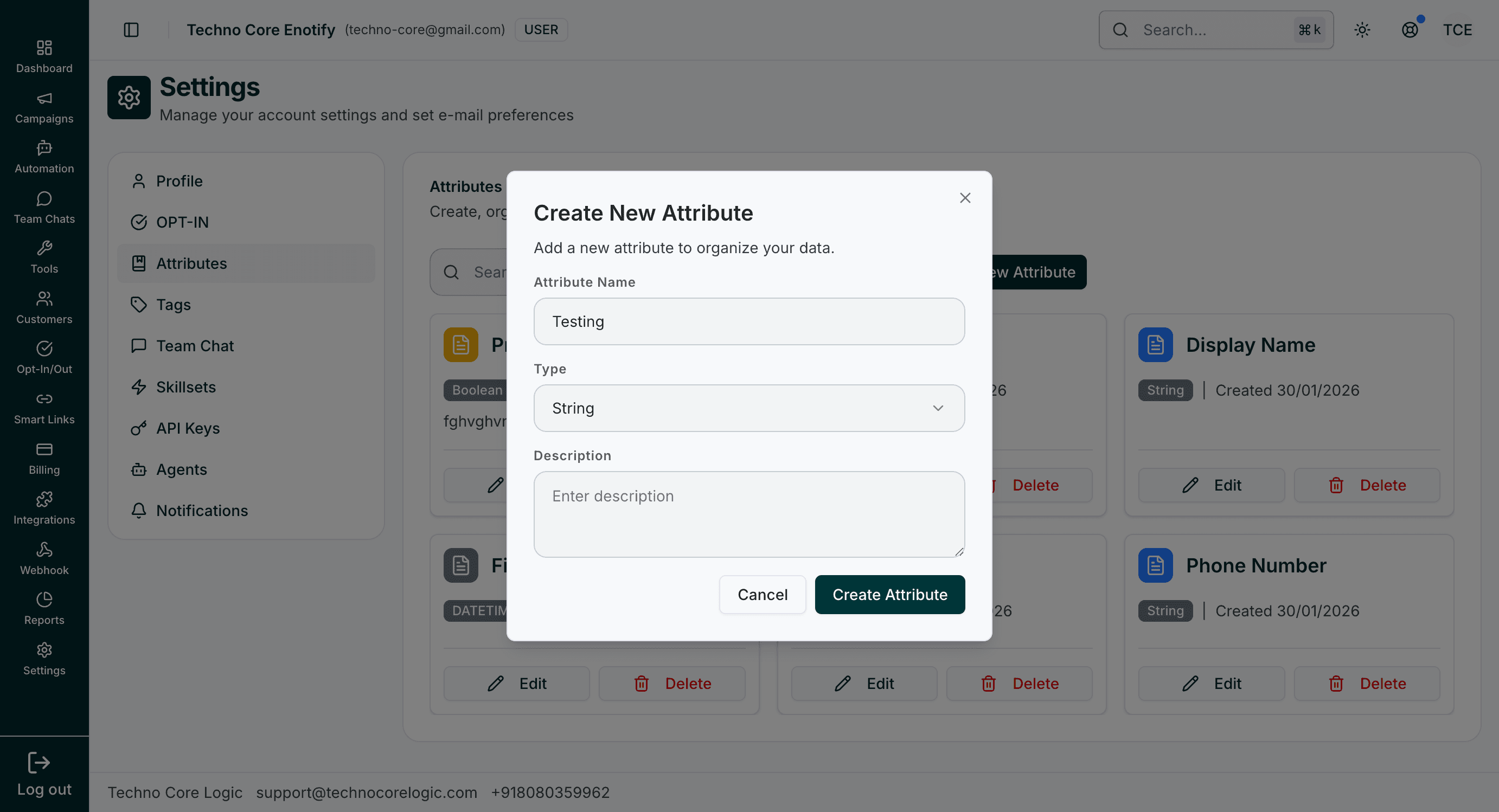
Use the create modal to define a new attribute name, choose its type, and optionally add a description for team clarity.
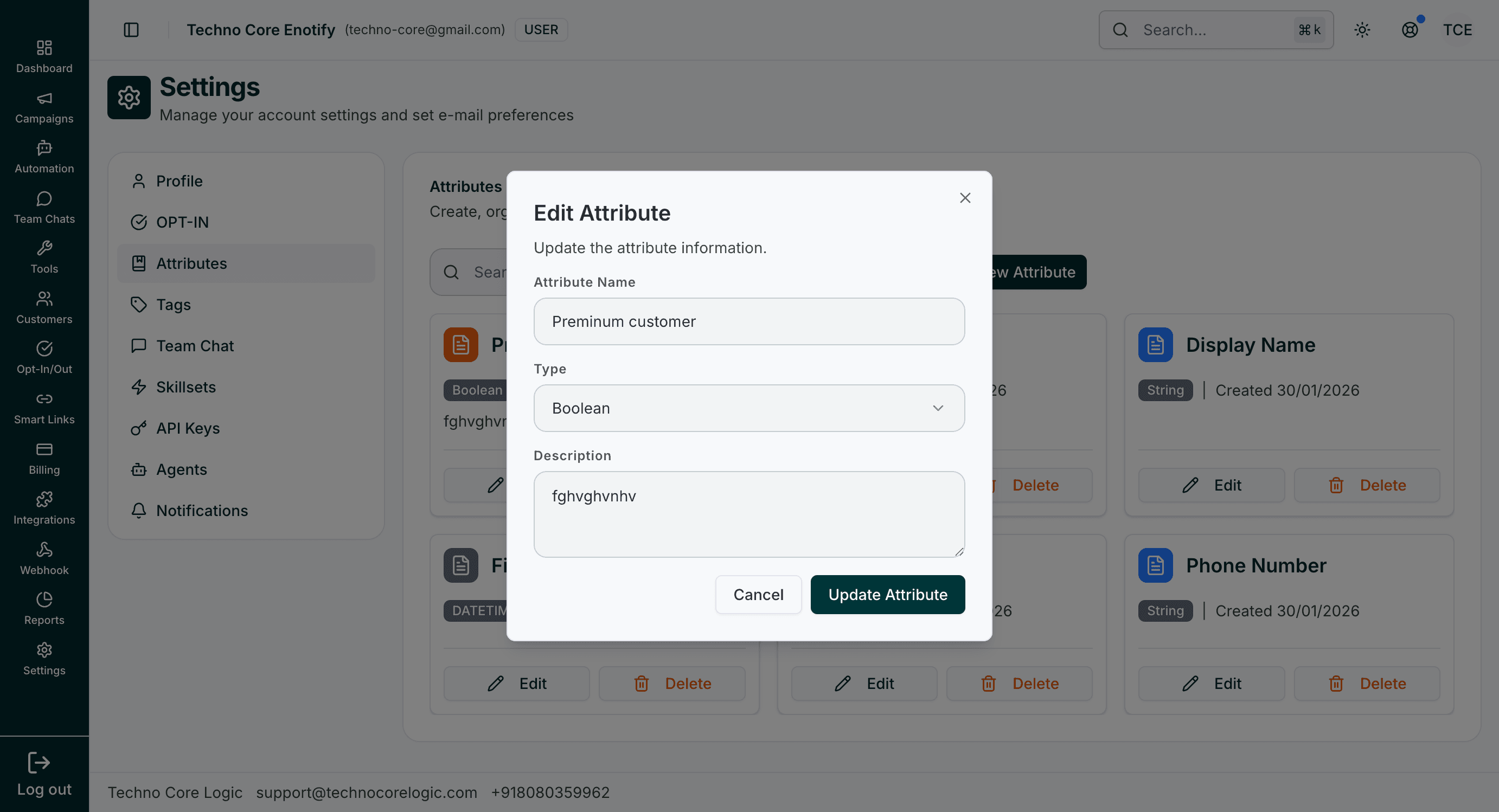
The edit modal updates attribute metadata without leaving the listing page.
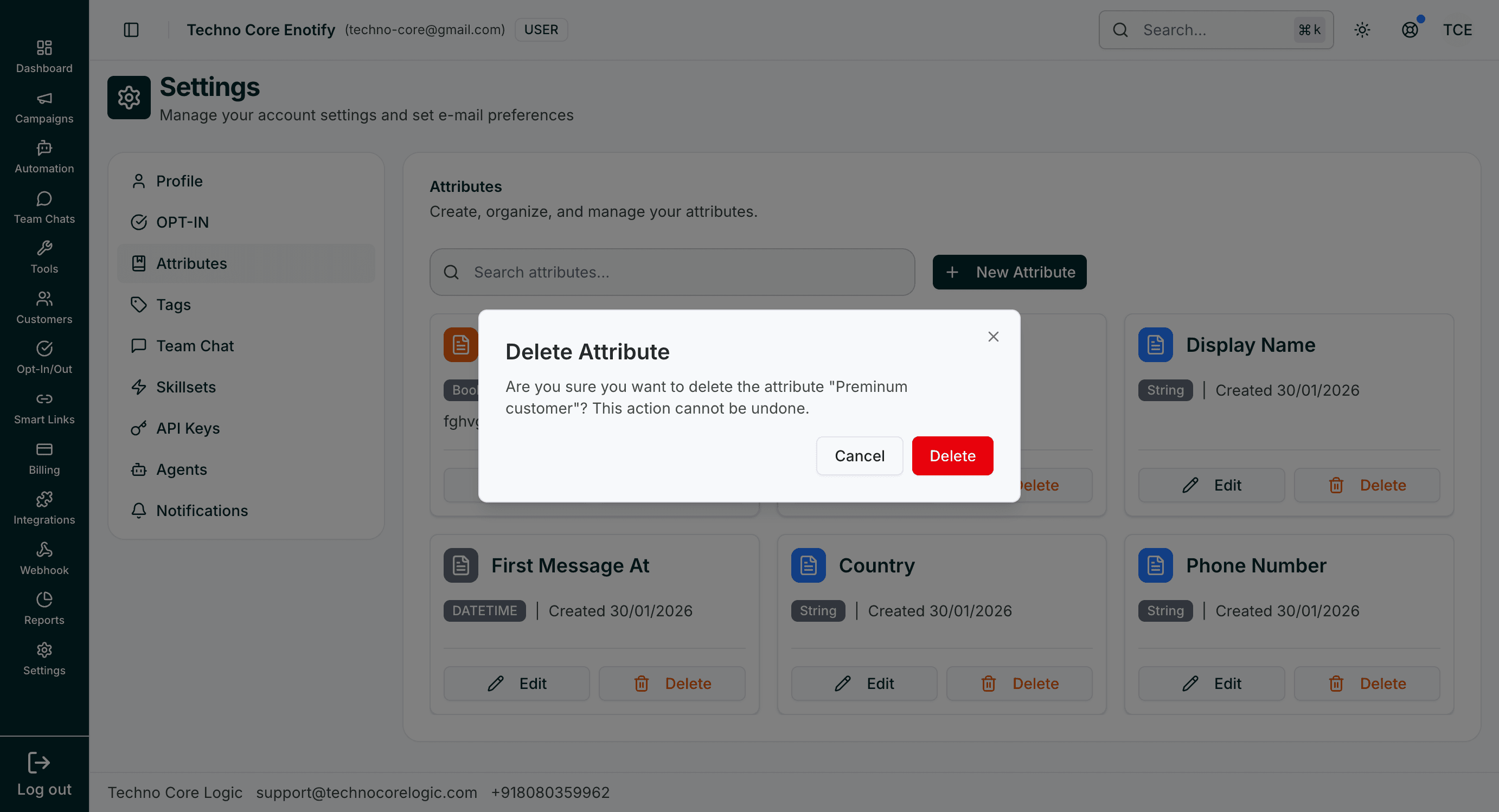
Delete confirmation prevents accidental removal of an attribute definition.
Supported operations
- Create new attributes with a type and description.
- Edit existing attribute definitions.
- Delete obsolete attributes after confirmation.
Typical types seen in UI
StringBooleanDateDatetime
How is this guide?