


Profile
Update your account identity and password.
Manage your personal account details from the Profile section.
In the app: Dashboard → Settings → Profile
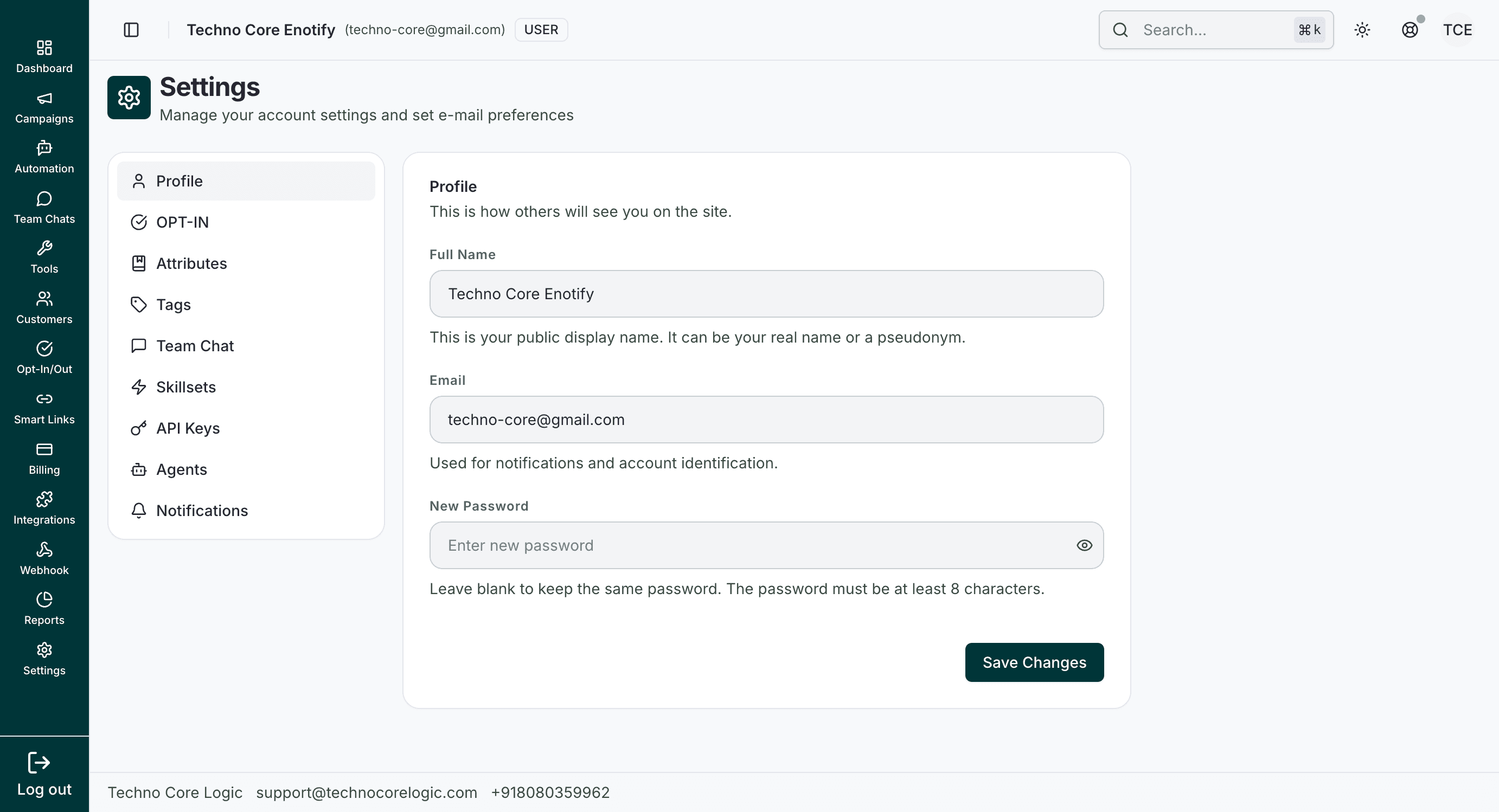
The Profile screen lets you update your display name and account email, and optionally set a new password. Use Save Changes after editing any field.
Fields
| Field | Purpose |
|---|---|
| Full Name | Display name used across the workspace |
| Account identifier used for notifications and login | |
| New Password | Optional password reset field |
Notes
- Leave New Password blank to keep the current password.
- Save after making updates to persist profile changes.
How is this guide?