


Notifications
Configure category-wise alert toggles for account, billing, campaigns, and more.
Notifications let you choose which operational events should alert you.
In the app: Dashboard → Settings → Notifications
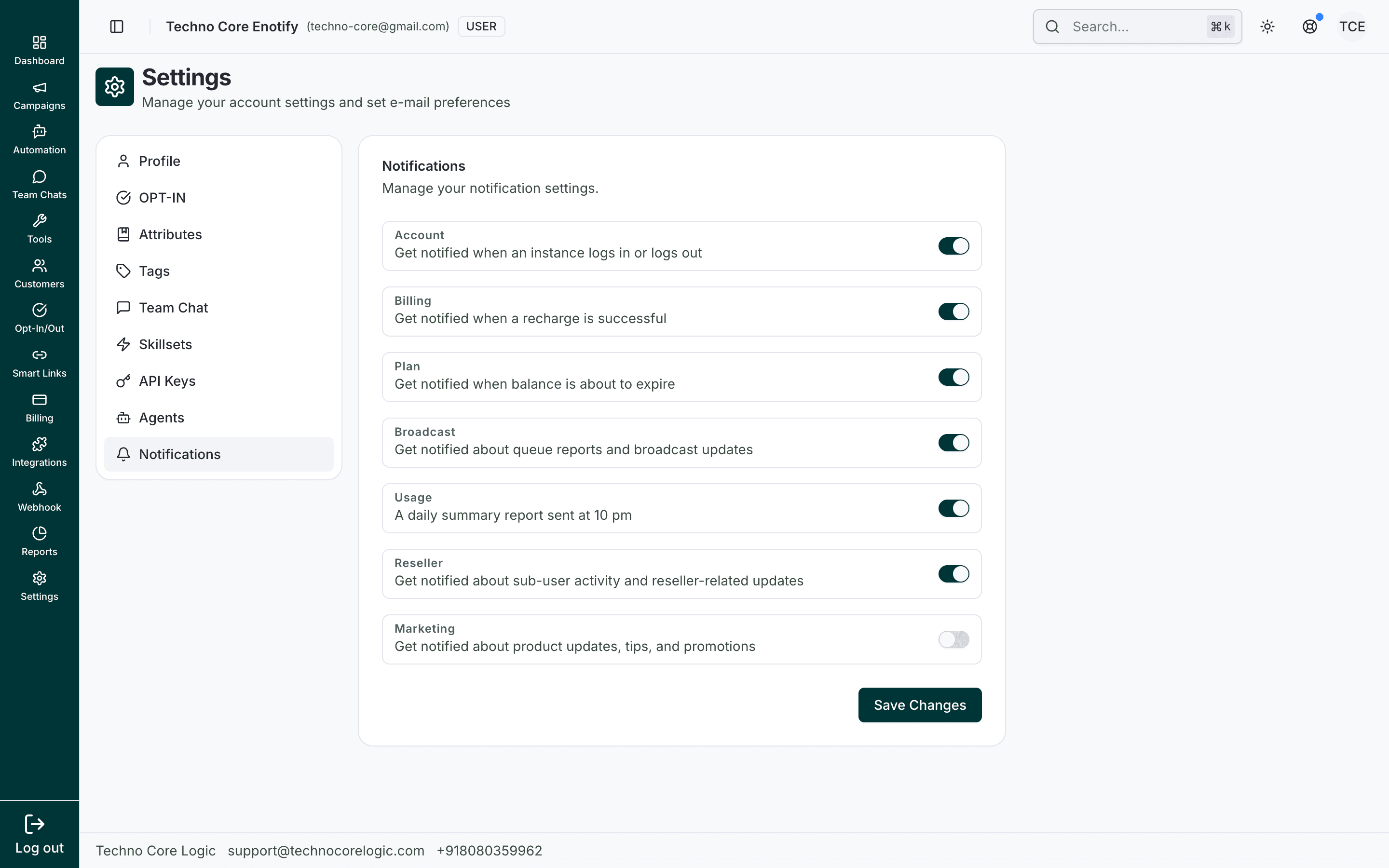
Each row represents one notification category. Toggle on/off based on priority, then click Save Changes to apply preferences.
Categories visible in UI
- Account
- Billing
- Plan
- Broadcast
- Usage
- Reseller
- Marketing
How to use
- Enable/disable each category toggle based on alert priority.
- Save changes to apply your preferences.
Recommended
Keep critical operational categories (Account, Billing, Plan, Broadcast) enabled, and tune low-priority categories based on your team workflow.
How is this guide?