


Tags
Create, rename, and delete tags for customer and conversation grouping.
Tags help classify records quickly without creating new attribute schemas.
In the app: Dashboard → Settings → Tags
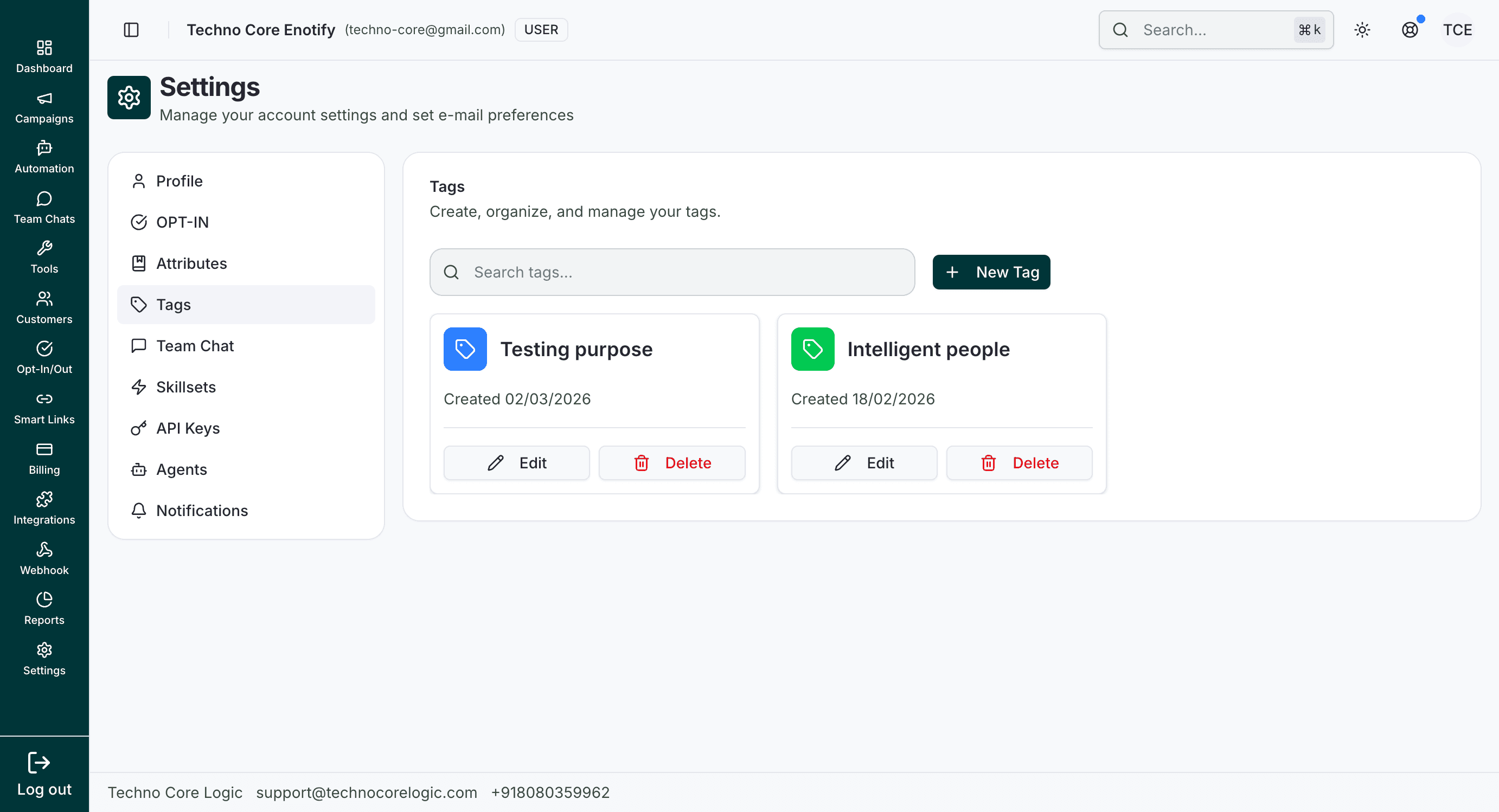
The tags page shows all current tag labels, with quick filtering and one-click edit/delete actions.
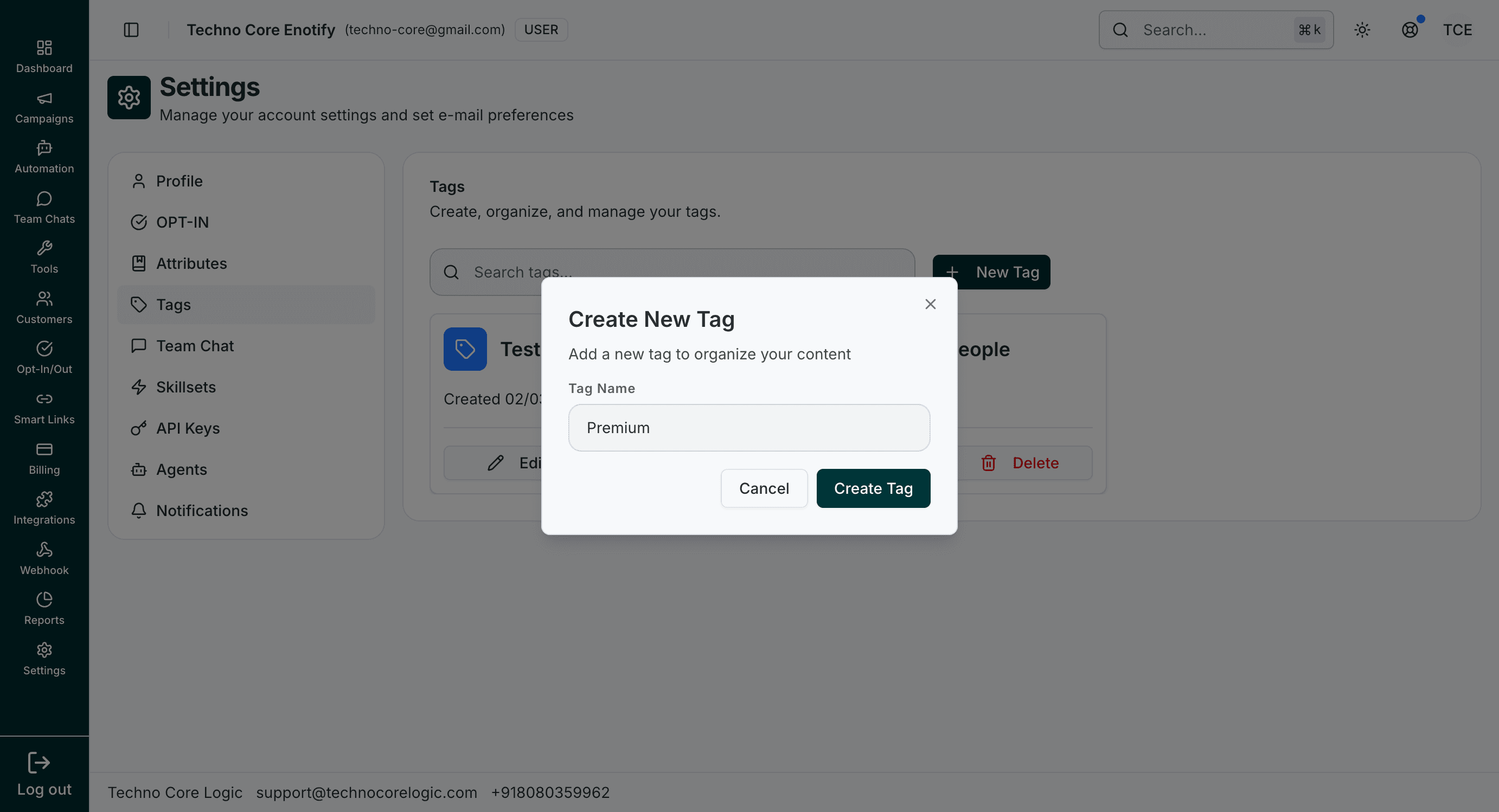
Use this modal to add a new reusable tag name for contacts and conversations.
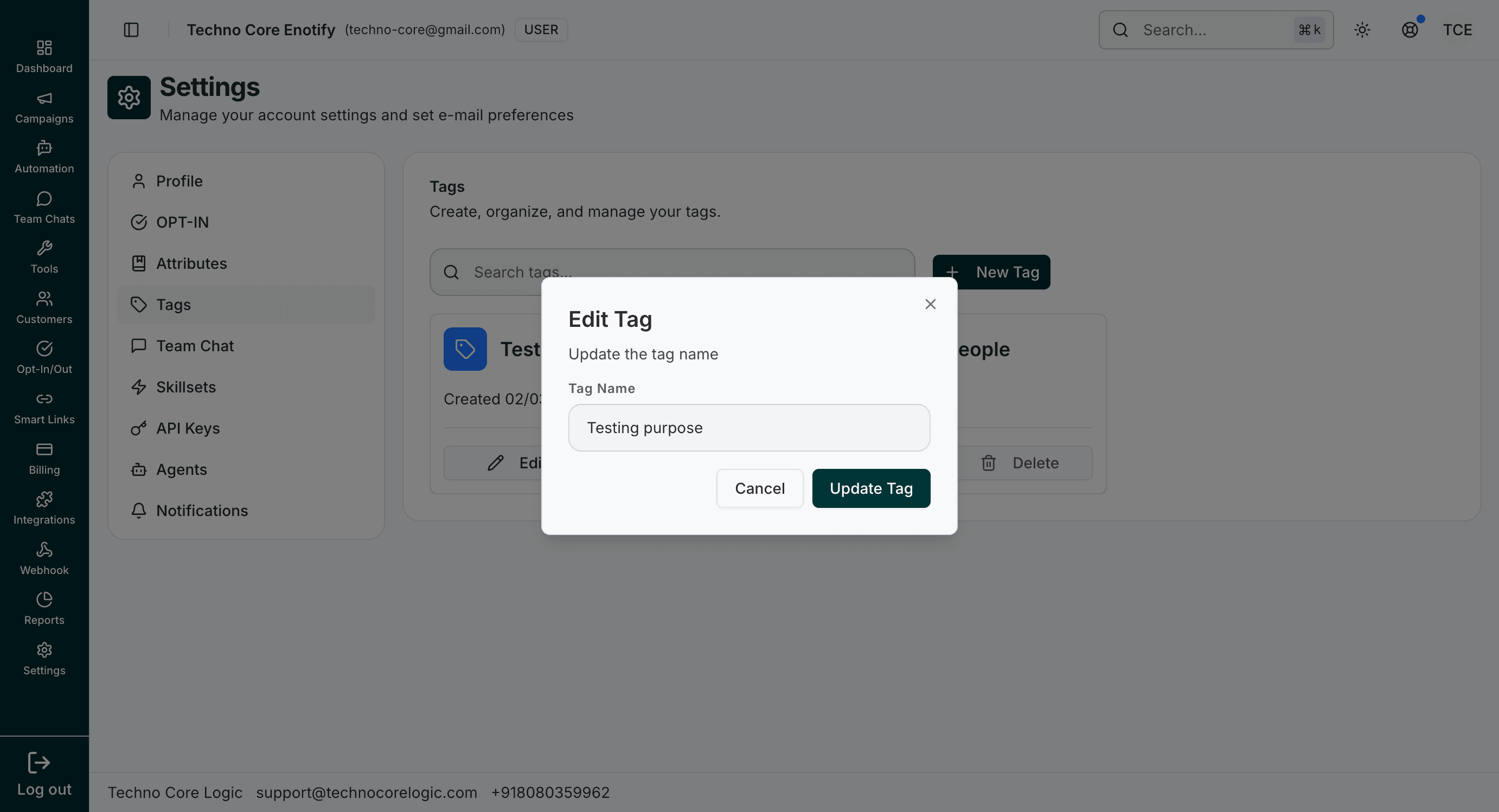
The edit flow updates existing tag names while keeping the same tag entity.
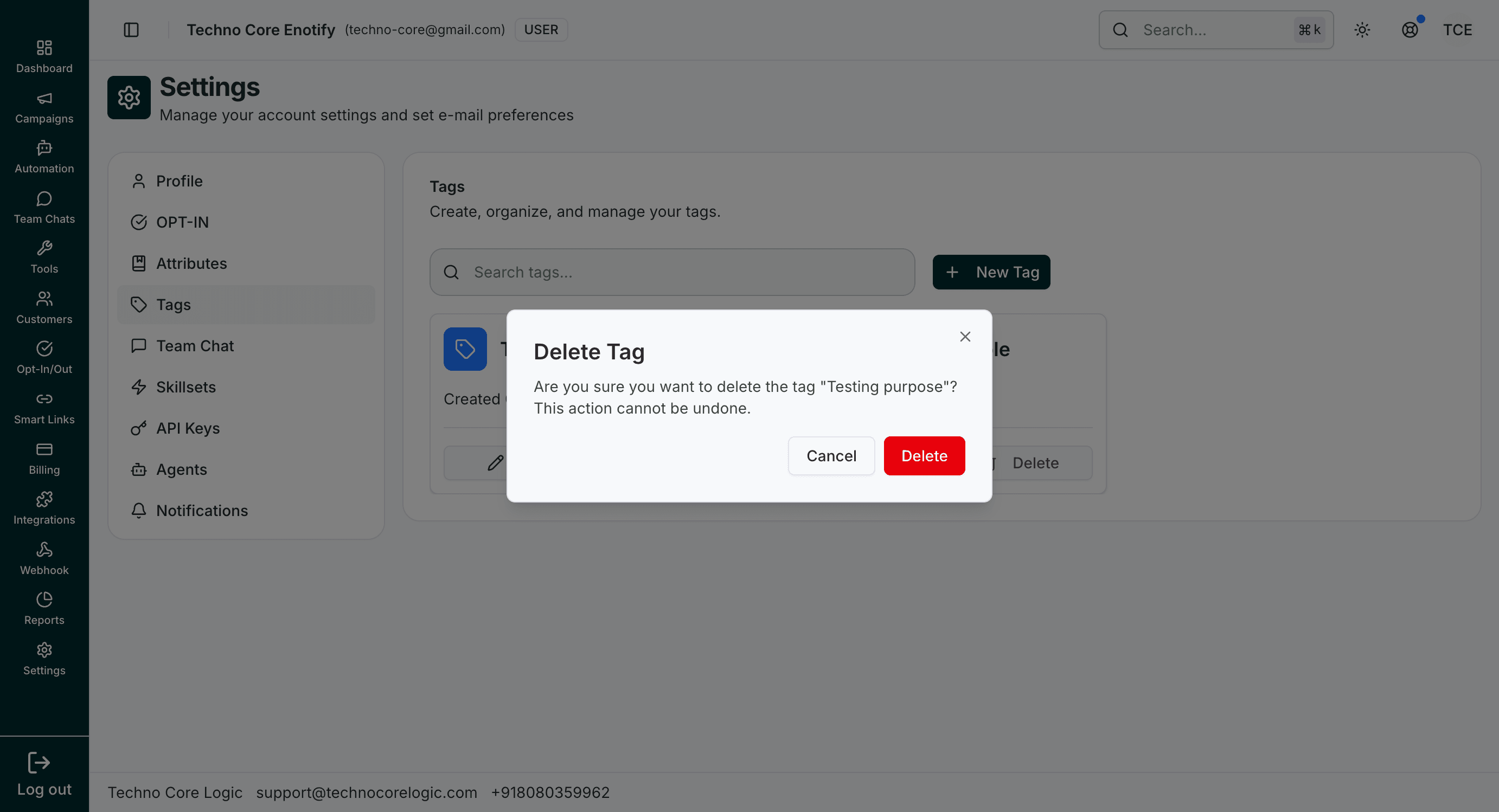
Deleting a tag opens a confirmation step to avoid accidental data cleanup.
Operations
| Action | Result |
|---|---|
| Create Tag | Adds a new reusable label |
| Edit Tag | Renames an existing label |
| Delete Tag | Permanently removes the label |
How is this guide?