


OPT-IN
Configure opt-in/opt-out behavior and opt-out keywords.
Use this section to enforce customer opt-out controls for compliance.
In the app: Dashboard → Settings → OPT-IN
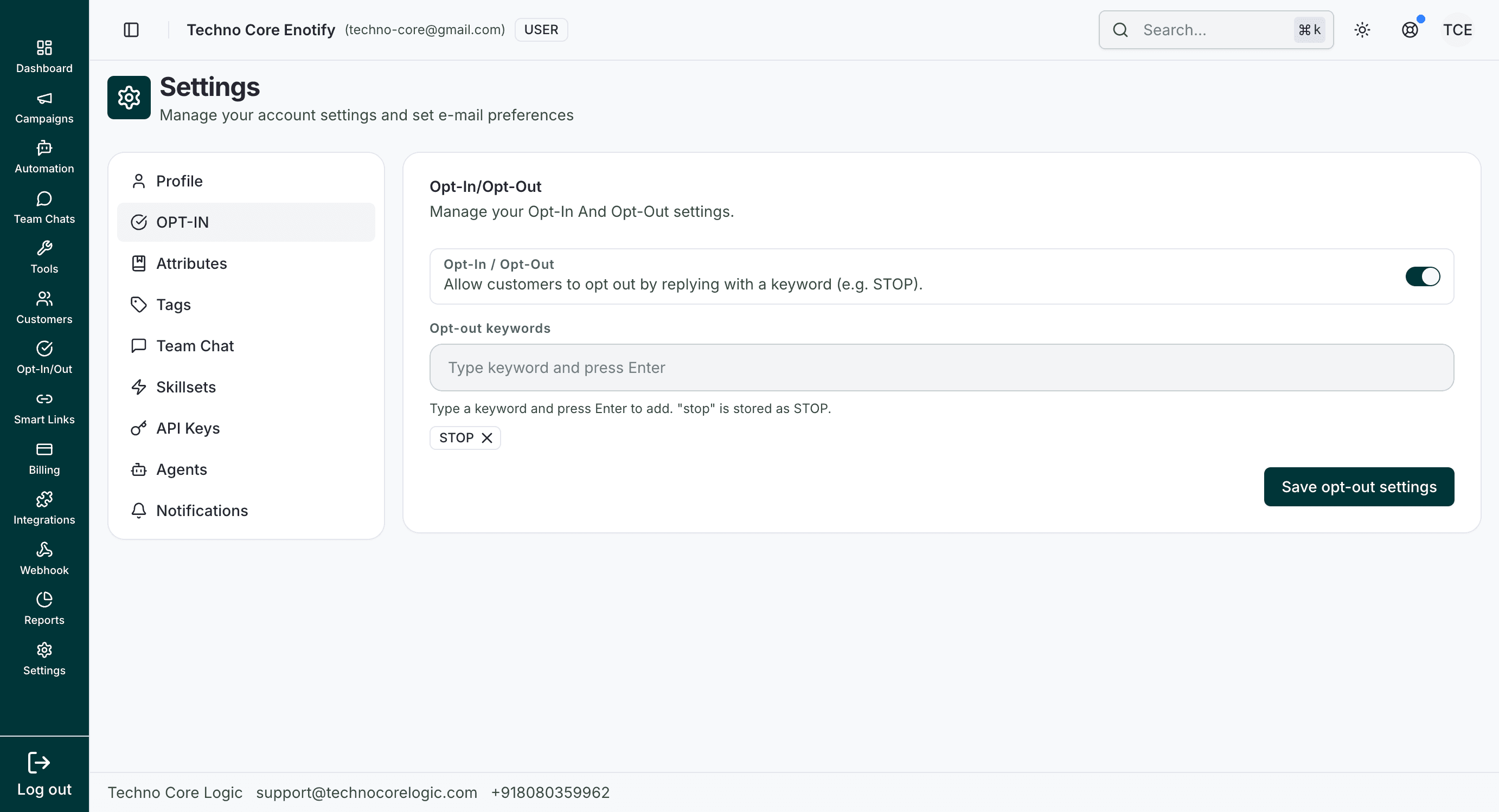
When enabled, this mode allows customers to unsubscribe by sending configured keywords. You can add multiple keywords and save them from the same screen.
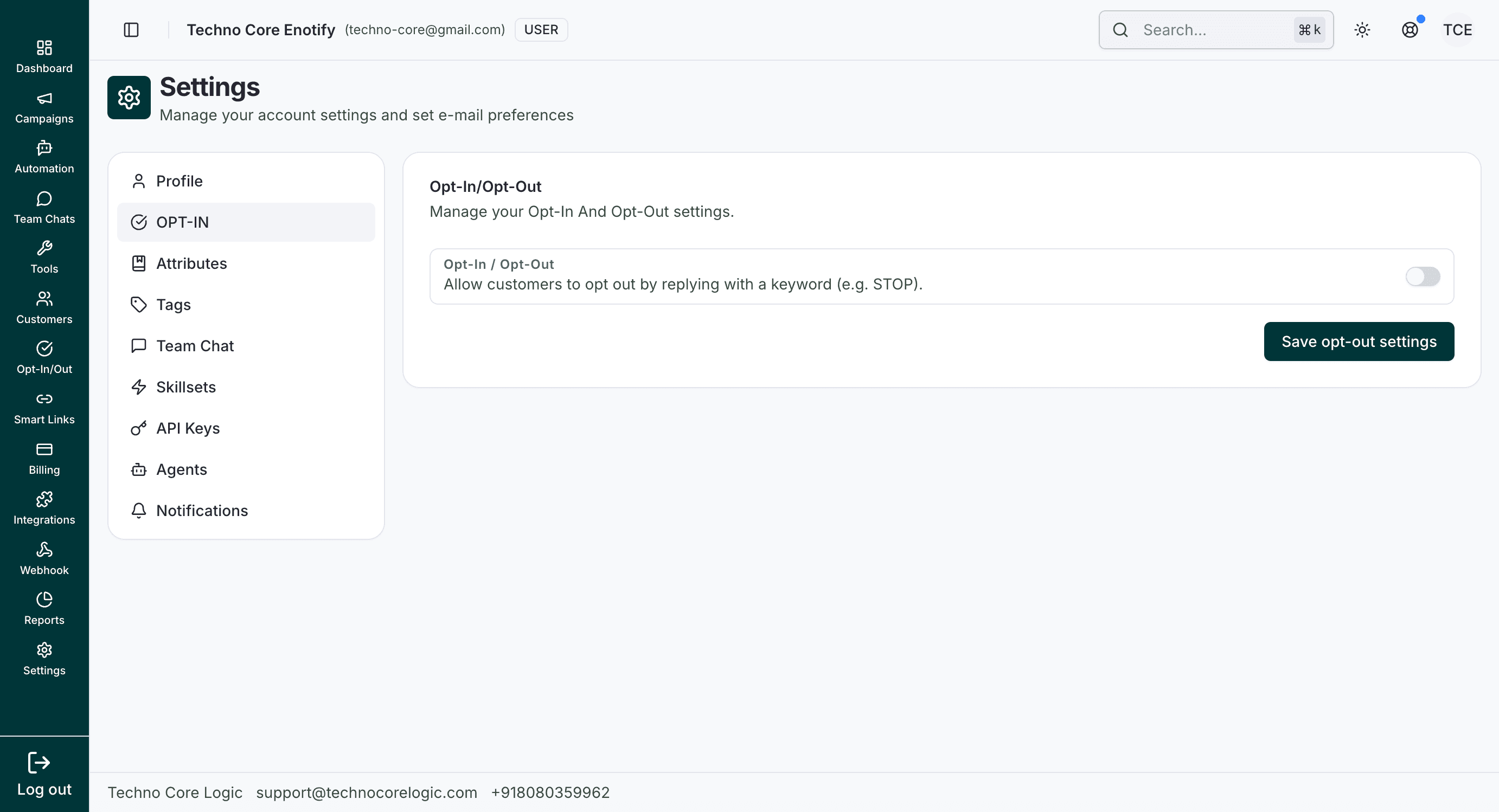
When disabled, keyword controls are hidden and opt-out keyword processing is paused for incoming messages.
What you can configure
| Option | Behavior |
|---|---|
| Opt-In / Opt-Out toggle | Enables or disables keyword-based opt-out handling |
| Opt-out keywords | Keywords customers can send to unsubscribe (for example STOP) |
Best practices
- Keep at least one clear keyword such as
STOP. - Add multilingual keywords if your audience is multilingual.
- Validate behavior by sending a test inbound message before going live.
How is this guide?