


User
Settings Overview
Configure profile, compliance, chat behavior, team operations, API access, and alerts.
Settings is the control center for user-level account behavior.
In the app: Dashboard → Settings
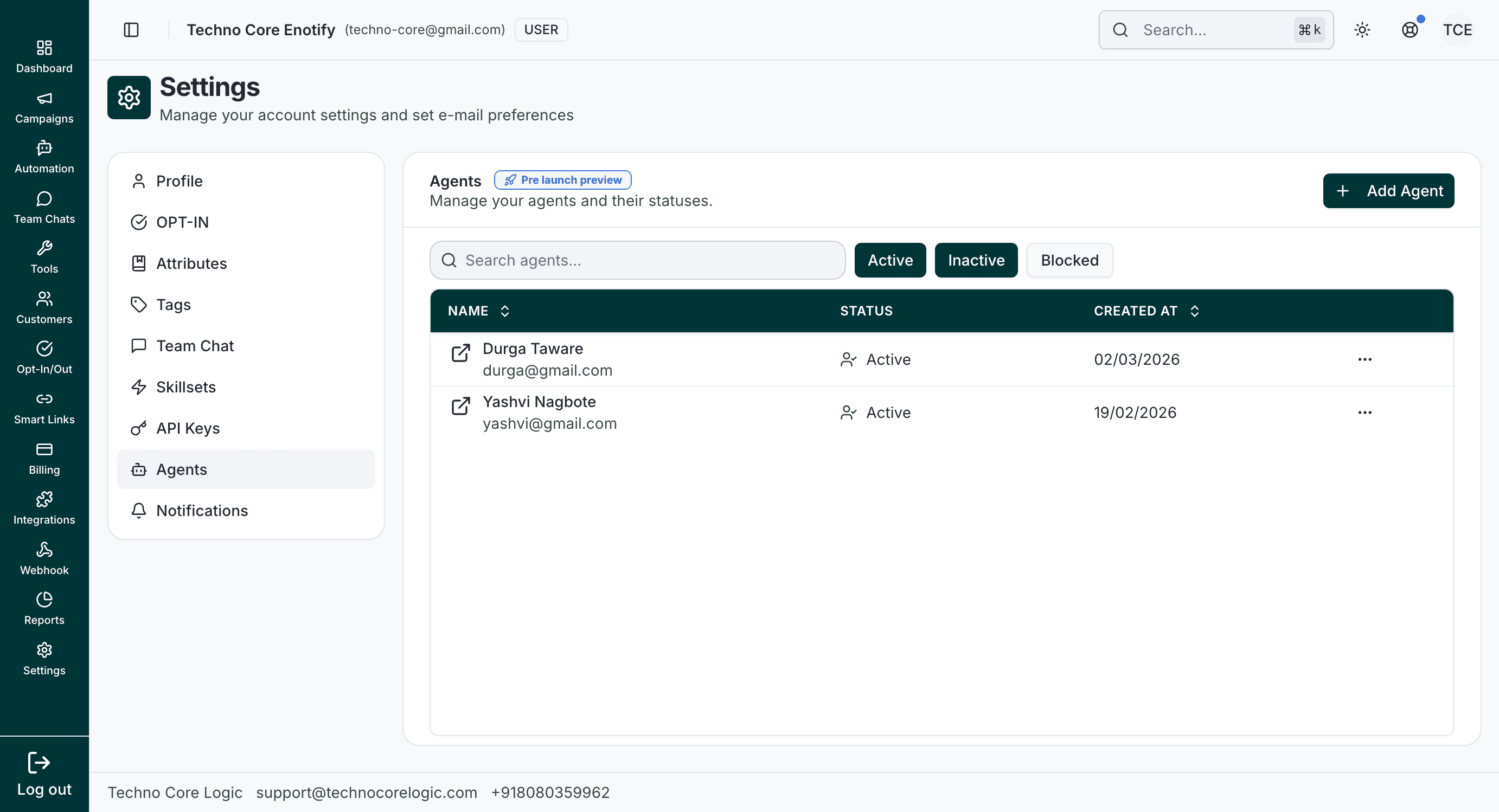
Settings Menu (User)
The User sidebar includes these sections:
What to Configure First
- Complete Profile so account identity and password settings are correct.
- Configure OPT-IN to stay compliant with opt-out handling.
- Set Attributes, Tags, and Skillsets before scaling campaigns and team routing.
- Create and secure API Keys, then tune Notifications.
How is this guide?